
Chatting your self with whatsapp haves a lot of features. Those you can have important files or messages on hand and some more too..

HOW TO OPEN CHAT WITH YOURSELF?
Now get start
1.Open your phone’s browser (it can be Google Chrome/Fire fox/ Opera/ Safari/ Microsoft Edge).
2.In the address bar type wa.me// and add your country code and then the ten digits of your phone number. For example, for INDIA the code is 91, so it would be wa.me//91XXXXXXXXXX
3.Then a window will appear with an invitation to chat with the corresponding number and a button that says “Continue to chat.” Then press that option

4.Later, a new chat with yourself will open in the WhatsApp application and you can start sending yourself messages or different multimedia files
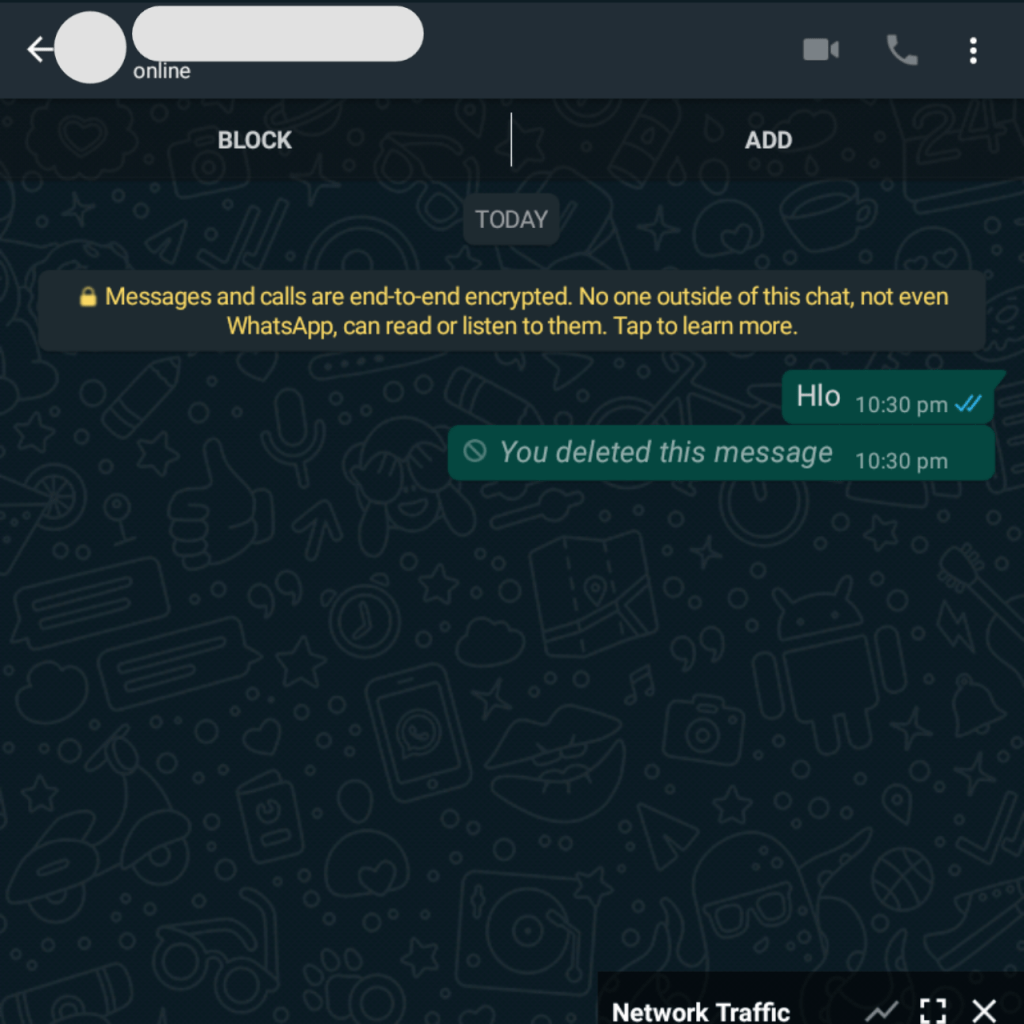
THIS POST VERIFIED THAT THE CONTENT IT SHOWS IS 100% REAL AND OS TESTED AS OF 2021 JANUARY
– EDUCLICK TEAM
Therefore, here we give you two options so that you can send yourself messages, photos, voice clips, among other files and thus, stop using the chats of people who have blocked you.

 UTTER
UTTER 