
Everyone have doubt about is this real or not questions. Almost everyone will. Today I’m gonna show you how to see deleted messages on whatsapp android.
THIS IS TESTED BUT MAY NOT WORK IN SOME CASES 202O – 2021.
– EDUCLICK VISITORS|TEAM
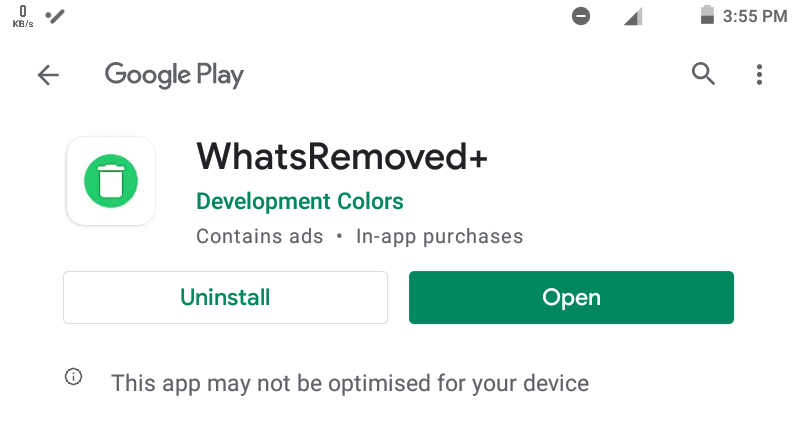
1.Download and install WhatsRemoved++ from Google Play.
2.Once downloaded, open the app and finish setting it up by granting access to all the permissions the app asks for.
3.After granting the permissions, go back the app and now you’ll be asked to select the app/ apps of which you want to save the notifications and detect changes. From the list below, select WhatsApp and tap Next.
4.On the next screen tap Yes, Save Files followed by tapping Allow. This will finish setting up the app and it will be ready for use.
5.From then on every notification that you receive on WhatsApp, including the deleted messages will be present on WhatsRemoved+ app. All you need to do is to open the app and from the top bar select WhatsApp.

 UTTER
UTTER 